Edit what's there
Empty a room photo with AI
Upload a photo of a furnished room and see it cleared: no furniture, no objects, just the walls, windows, ceiling and floor. The AI rebuilds what was hidden behind your things. It gives you a blank starting point to plan a redesign, or a clearer look at the shape of the room without everything in it.
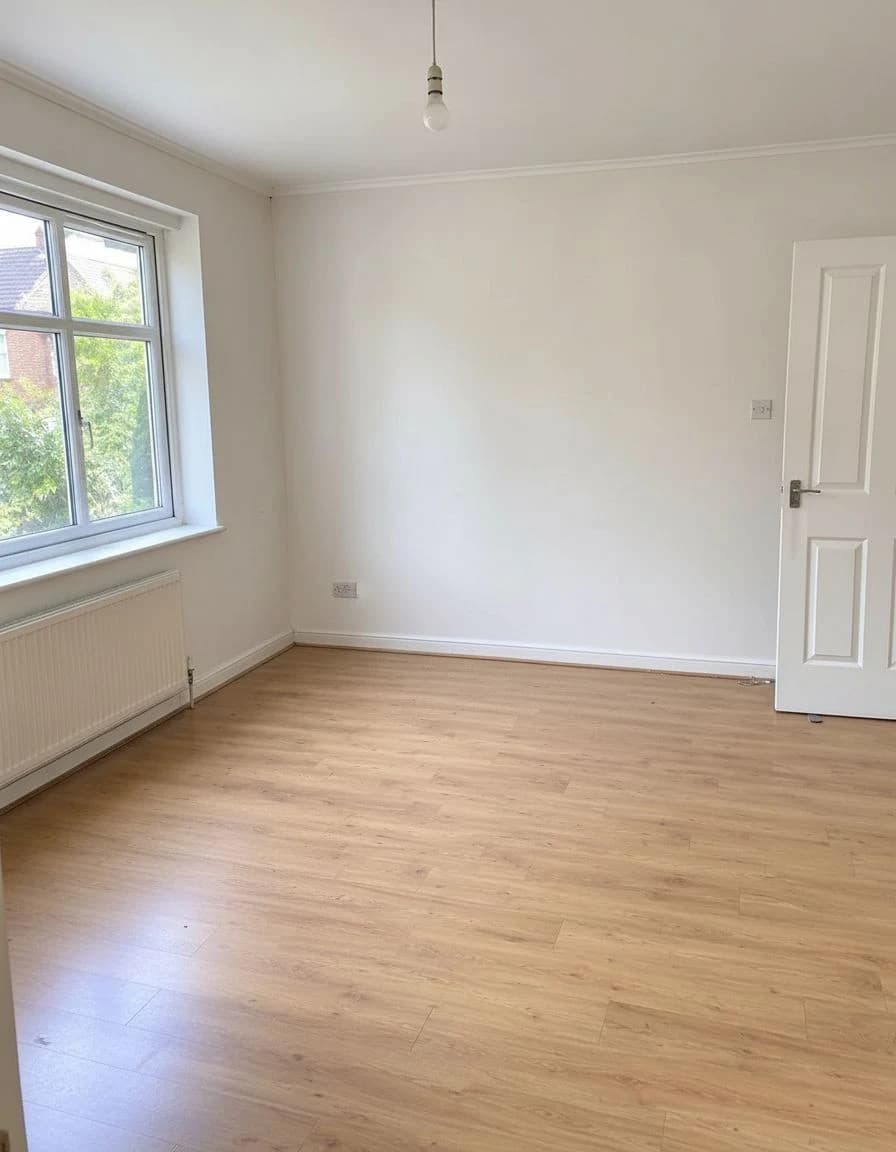
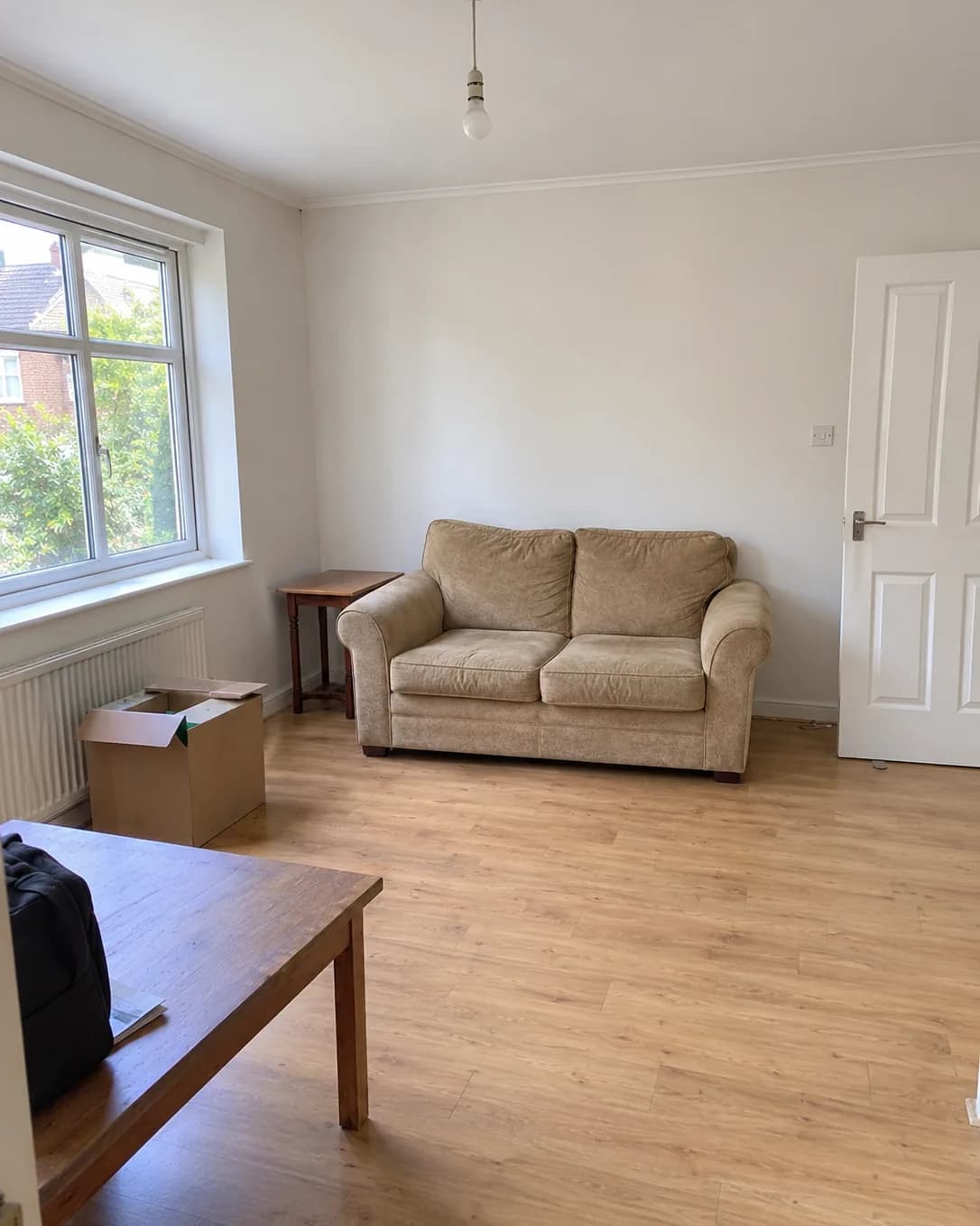
Living room · Emptied
Empty the room
How it works
Upload a photo of your room
A daylight photo taken from a corner, so most of the room is in view. No photo to hand? Start with one of ours.
Pick the room
Tell it which room it is.
See it in about 20 seconds
Compare the result with your photo, download it, or run it again for another version. What the AI does along the way:
- Finding furniture and objects
- Clearing the room
- Restoring walls and floor
What you can do with it
Start a redesign from scratch
Download the empty room, then run Interior redesign in Furnish mode on it to fill it in a new style.
Plan a move
Moving into a place that is still full of someone else's furniture? See it empty and start planning.
Picture a renovation
See the bare room before you decide on new flooring, paint or lighting.
Questions
What happens to the walls and floor behind the furniture?
The AI fills them in to match the rest of the room. Patterns like tiles or floorboards may not line up perfectly, so look closely at the parts that were hidden.
Can I keep some of the furniture?
This tool removes everything. To take out only some things, use Remove objects and list them.
What can I do with the empty room?
Download it and use it as the photo for any other tool: Interior redesign in Furnish mode, Wall paint & finishes or Flooring.