See your room redesigned before you change a thing.
Upload one photo and pick a style. In about 20 seconds you get the same room back, walls and windows where they are, with new furniture, colours and finishes.
No photo handy? Try ours:
- First design free
- 17 design tools
- Ready in about 20 seconds
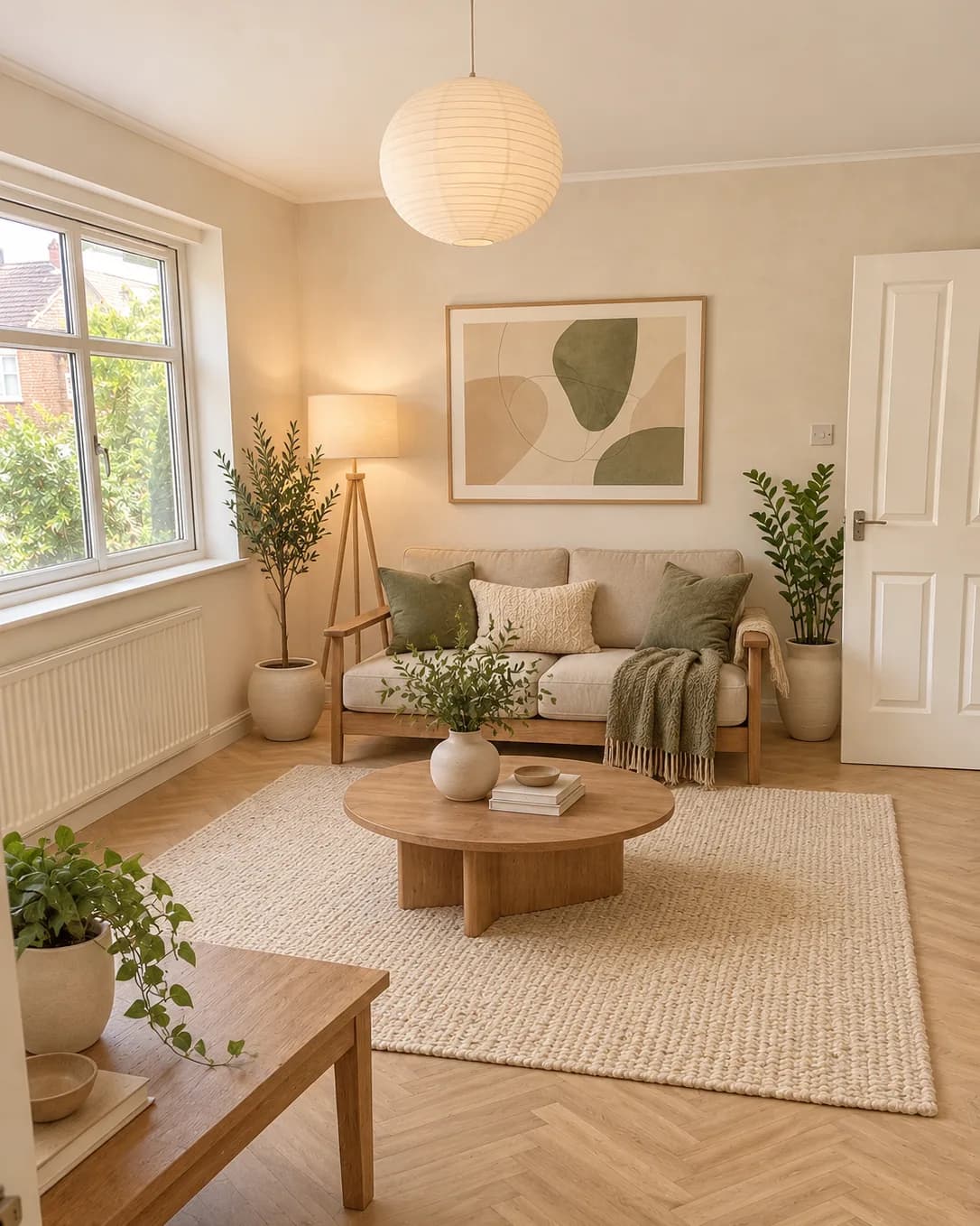
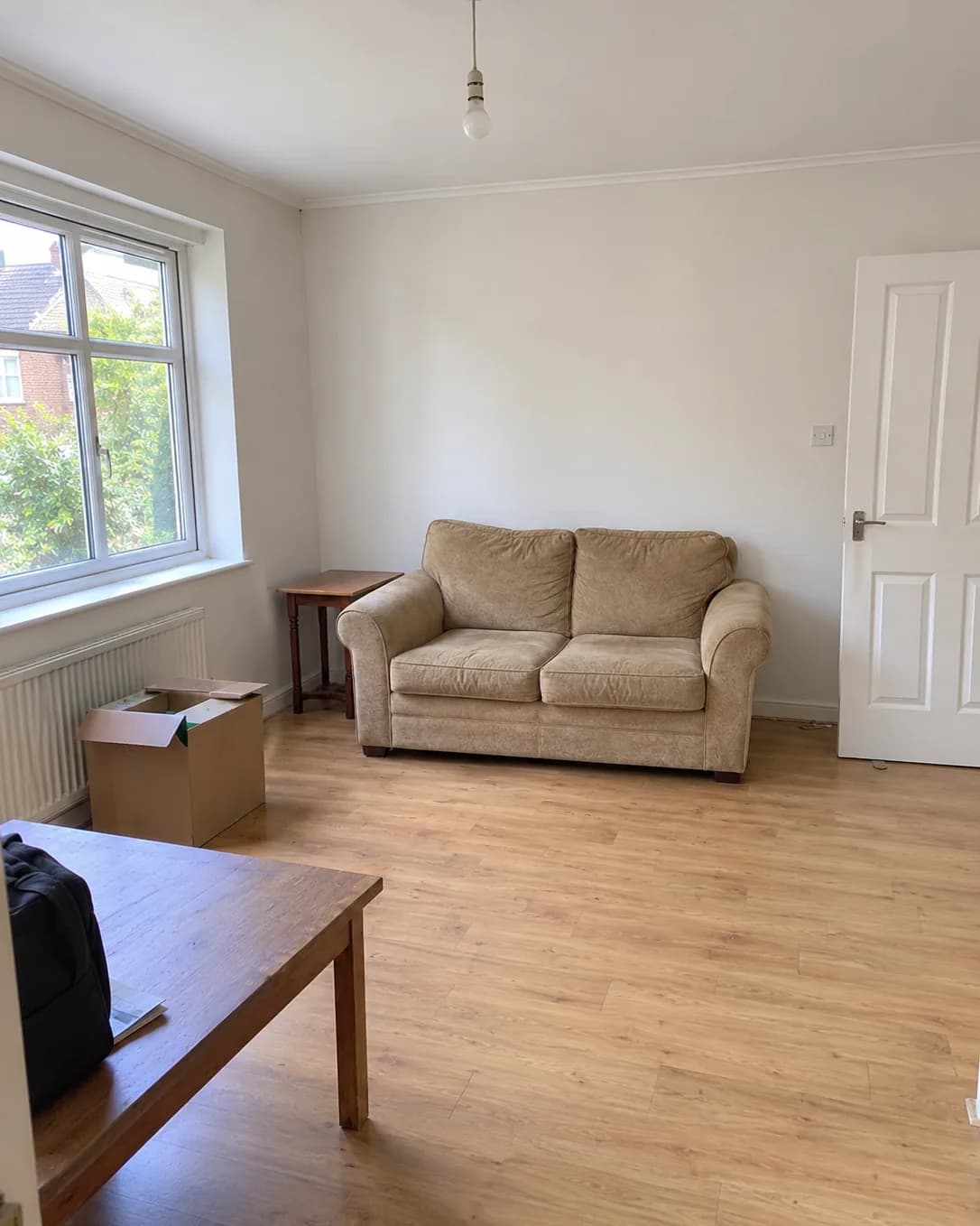
17 tools, 24 styles and 20 kinds of space, from living rooms to pool areas. All of it runs in your browser, so there is nothing to install.
See every toolFrom one photo to a new room in three steps
No design skills and no measuring. If you can take a photo, you can redesign a room.
Step 1: Upload a photo
Any room, taken on your phone. Daylight and a wide angle from a corner give the best result.
Step 2: Pick a style
Choose from 24 styles, or describe what you want in your own words, like "warm wood and a green sofa".
Step 3: See your new room
About 20 seconds later you get the same room with a new look. Then keep going: swap the sofa, try another floor.
Ready to try it? Upload your first photo. The first design is free.
Real rooms, real results
Straight out of our tools, with no retouching. Drag the divider to see the change.
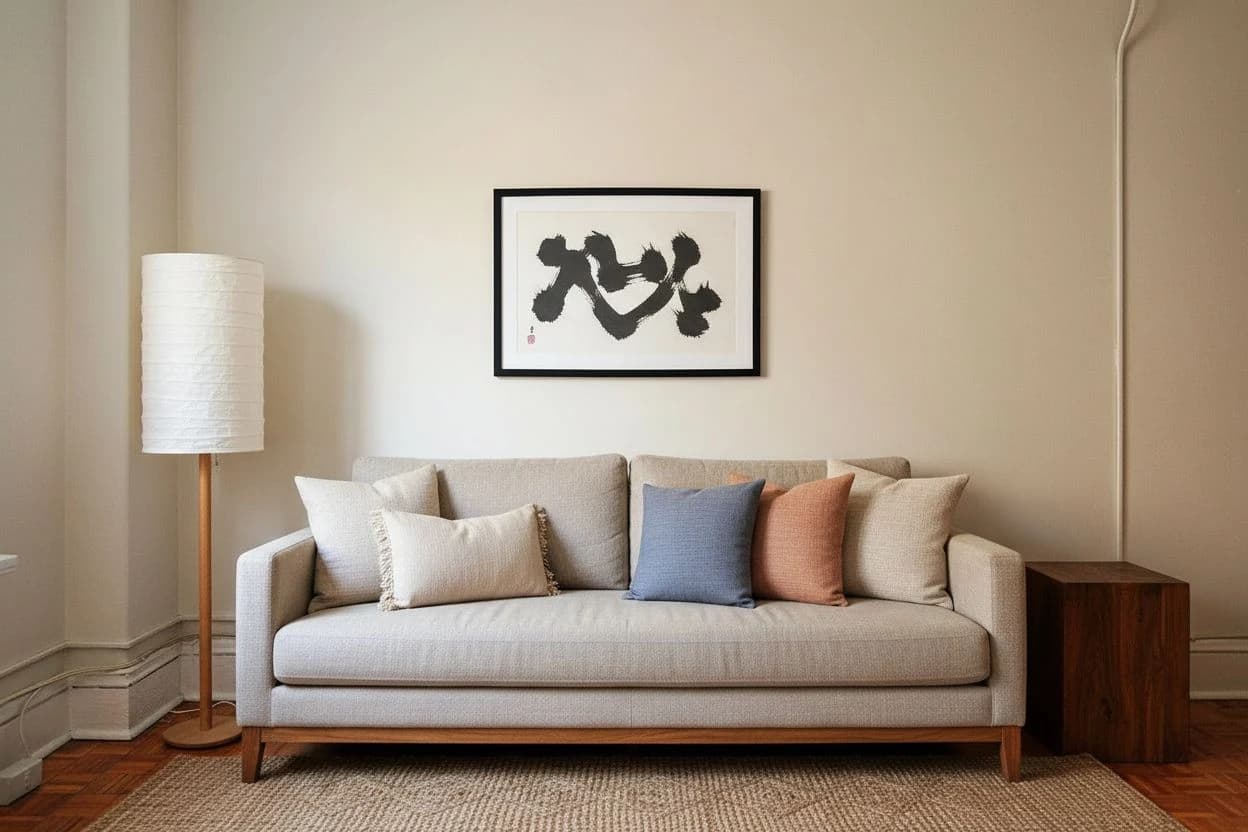
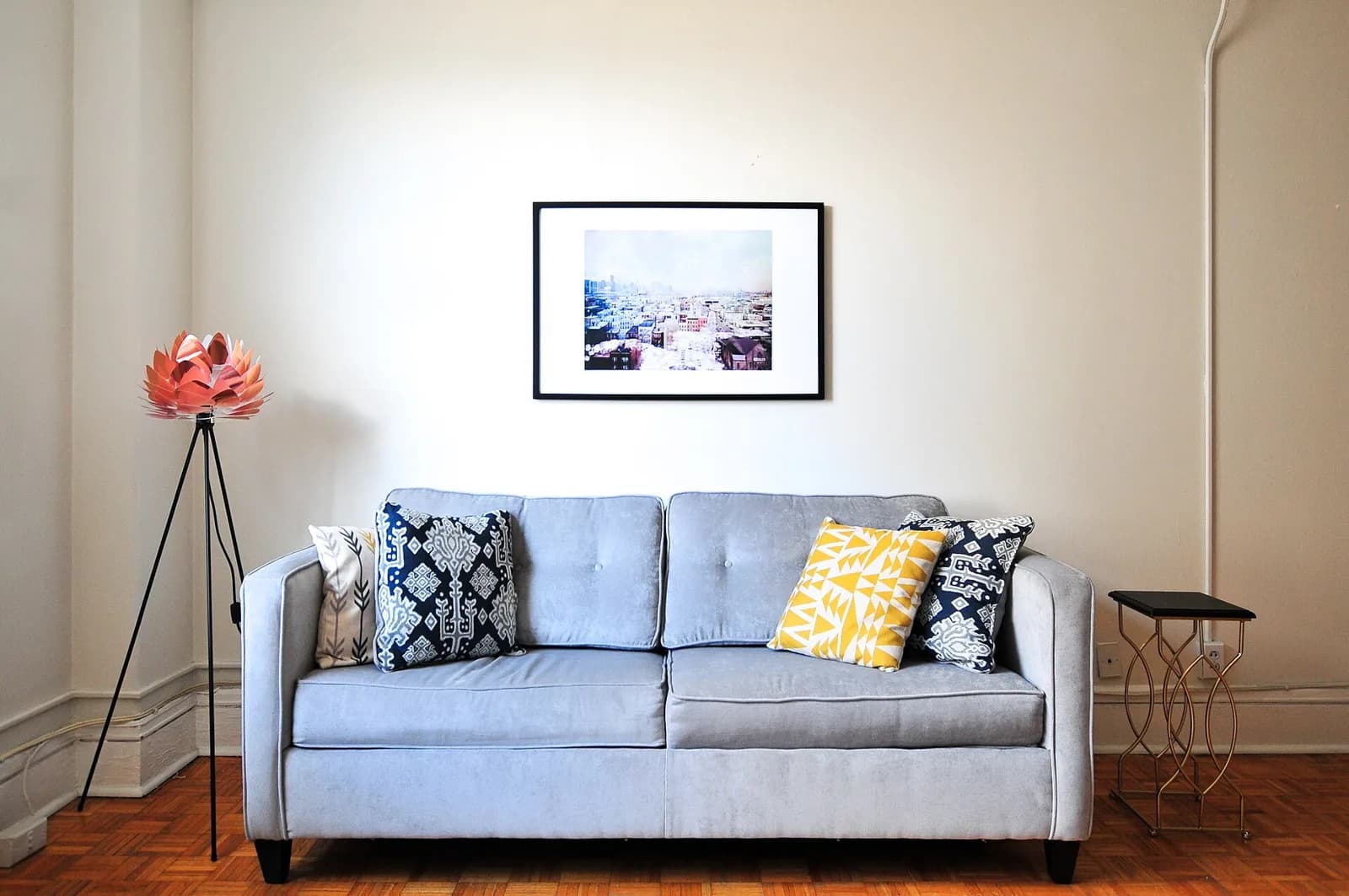
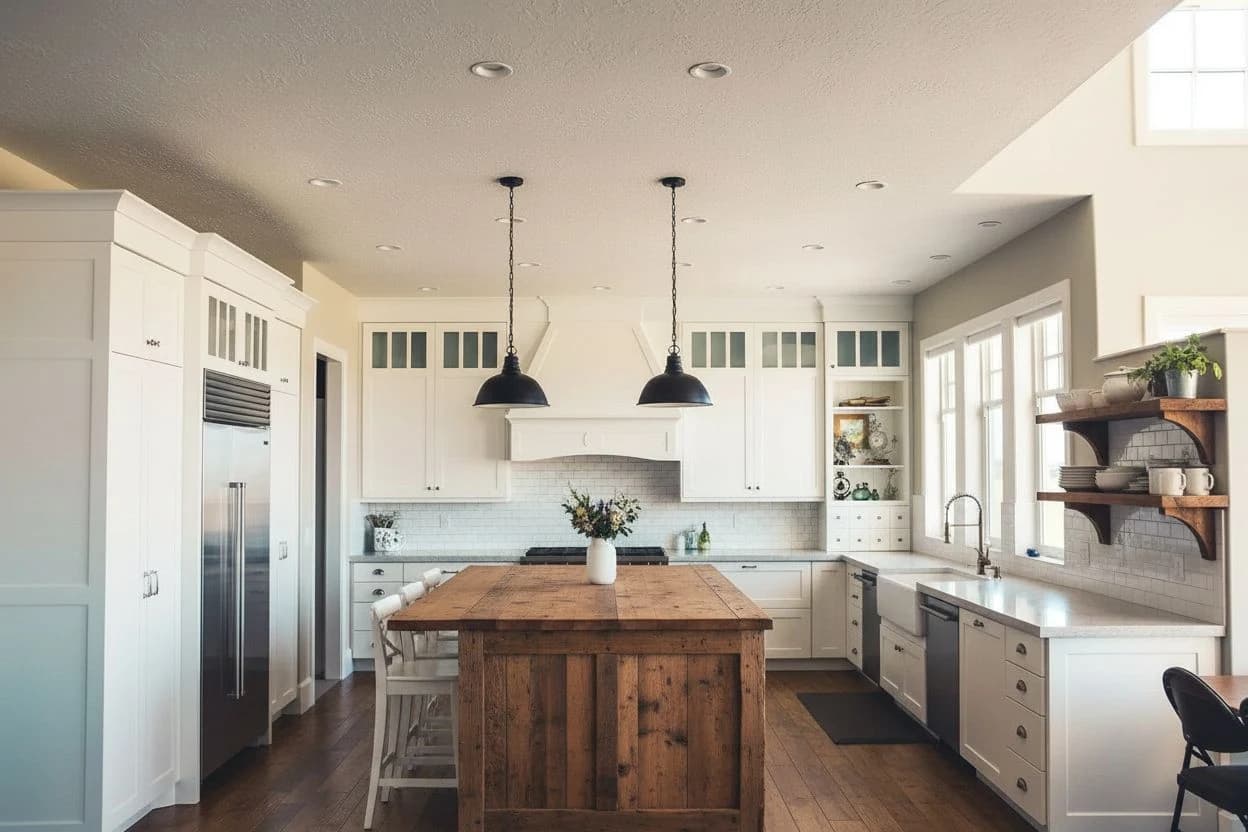
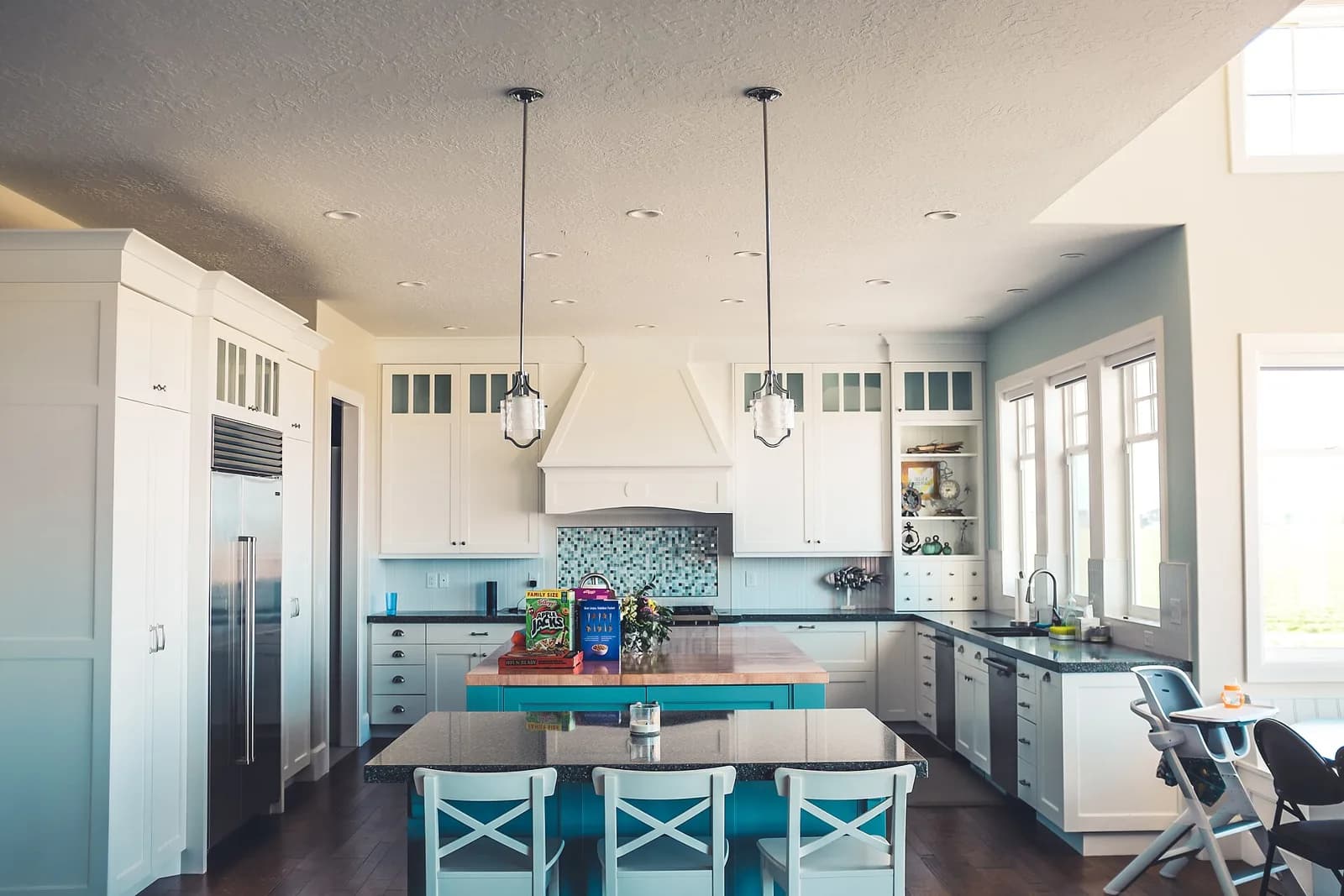
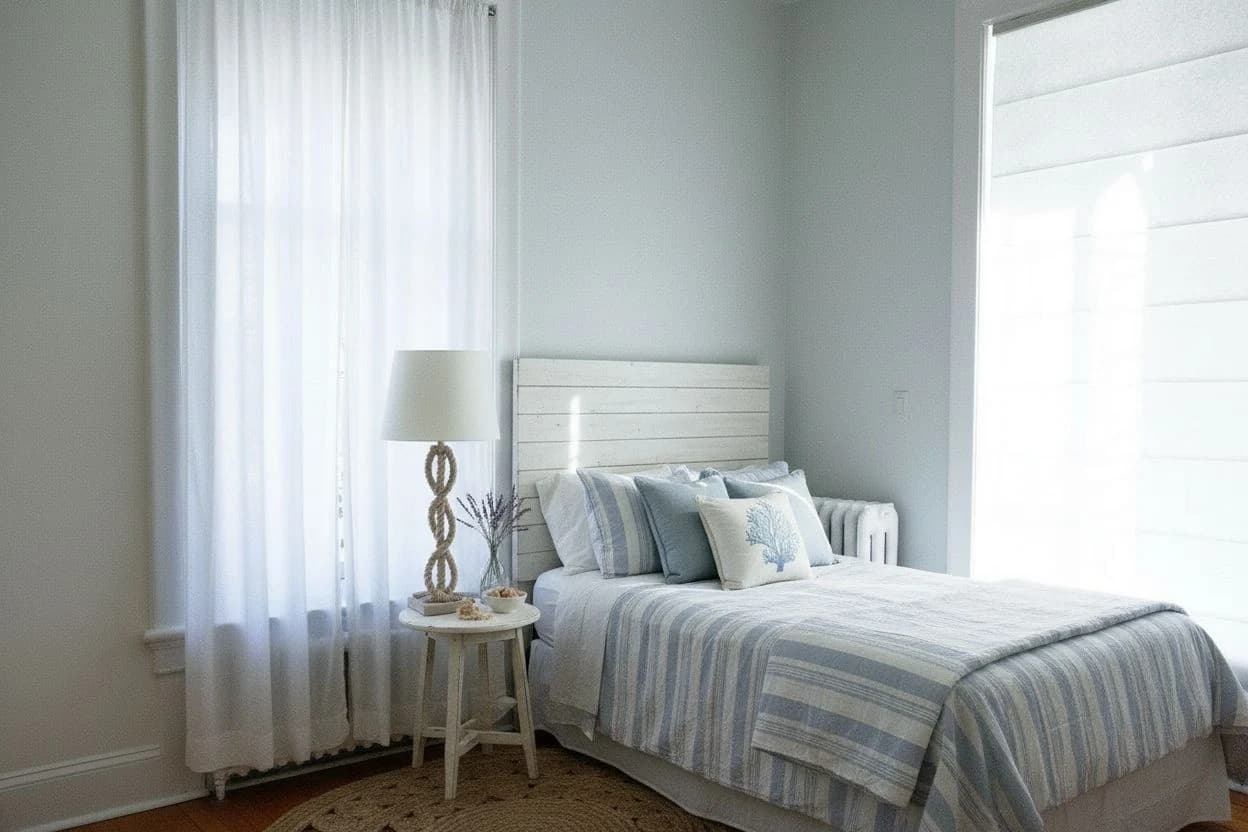
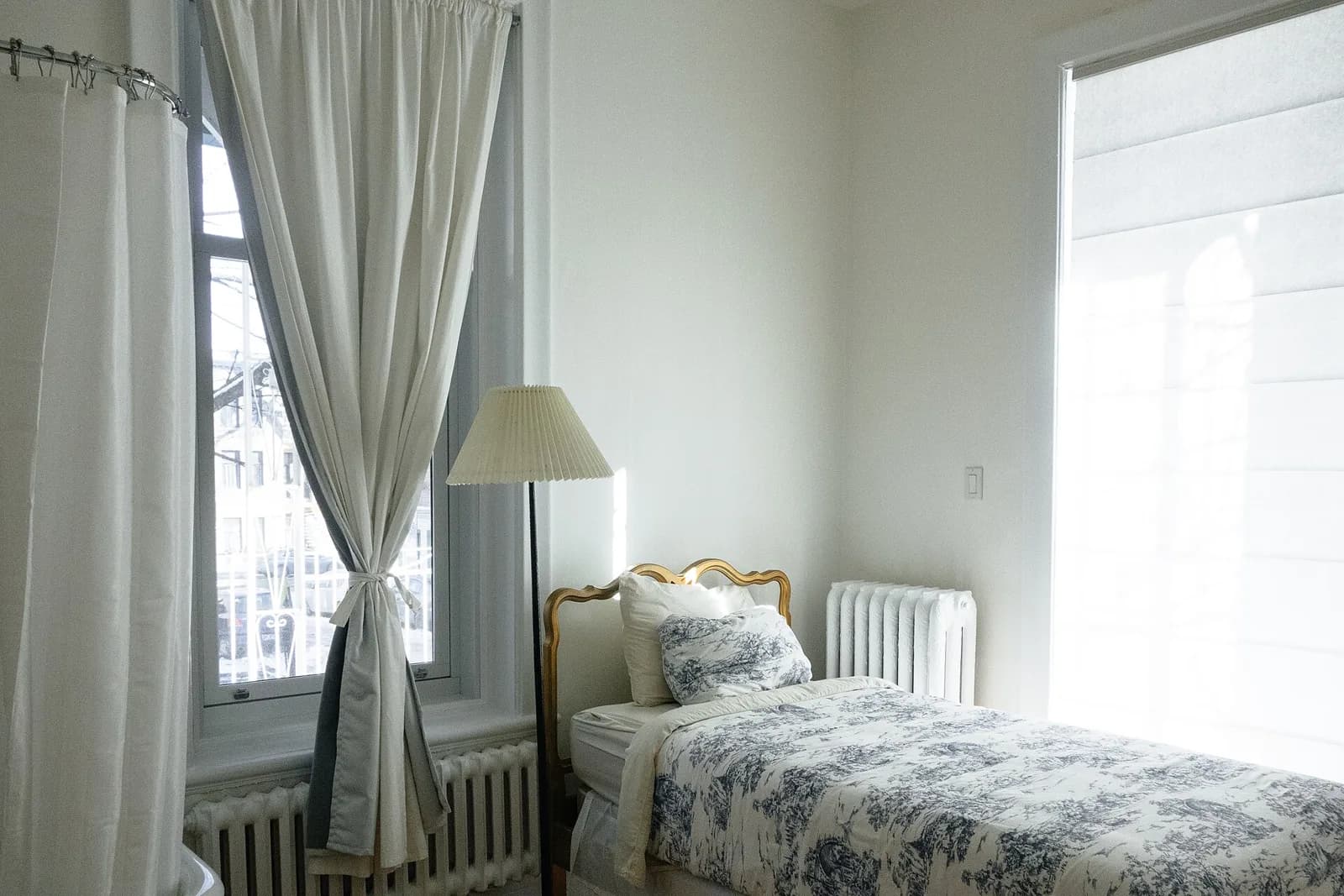
One room, as many looks as you like
Every image below comes from the same photo. Only the furniture, colours and finishes change; the walls, window and door stay where they are.
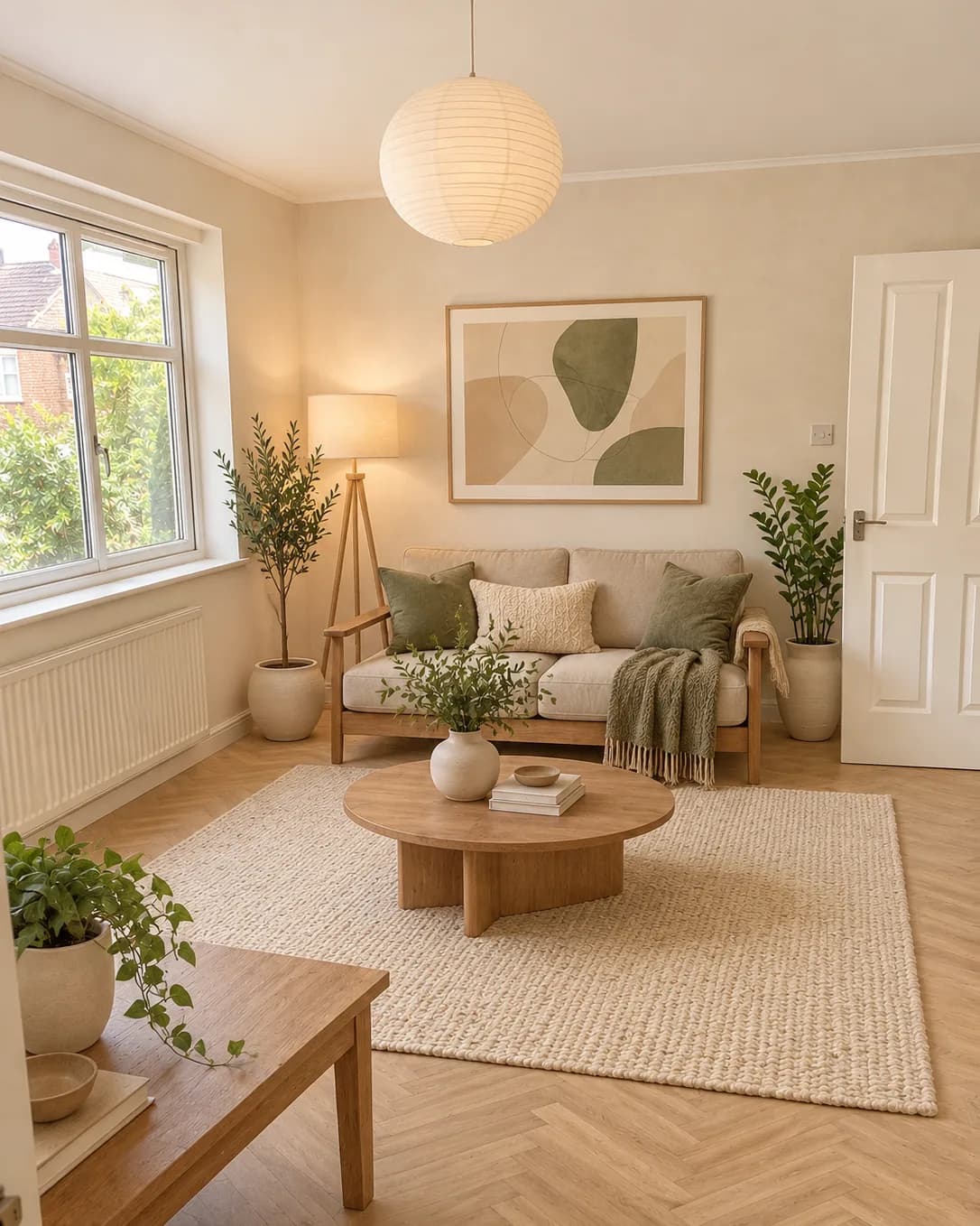
What do you want to change?
17 tools, grouped by the job. Redesign a whole room, edit one thing in it, try a new wall or floor, or dress it up for an occasion.
Design a space
Start from a photo and get a full new look.
Edit what's there
Keep the room, change one thing.
Walls & floors
Preview finishes before you buy them.
Seasonal decor
Dress a room for an occasion.
Free to try. Simple after that.
Your first redesign costs nothing. Pro is $6.99 a week, or $49.99 a year if you have more to do.
See plansResult before payment
Your first redesign is free. You see it before you pay anything.
No surprise trials
No free trial that quietly turns into a charge. You pay when you choose a plan.
Cancel any time
Stop renewing in one step. You keep Pro until the end of the period you paid for.
Questions people ask first
Something else on your mind? Send us a message.
How does it work?
Upload a photo of your room and pick a style. About 20 seconds later you get the same room back with new furniture, colours and finishes. You can keep editing from there: swap one piece of furniture, try another wall colour or a different floor.
Will my walls, windows and doors stay the same?
That is the idea. Our tools are set up to keep the room's structure where it is and change only what you would change in real life. AI is not perfect, so if a window or door moves in a result, run it again or choose Room restyle, which follows your existing layout more closely.
What kind of photo works best?
A photo taken in daylight, from a corner of the room, with a wide angle so you can see most of the space. Avoid people in the shot and very dark rooms. JPG, PNG, WEBP and HEIC photos up to 20 MB work.
Is it free?
Your first design is free. After that, Pro costs $6.99 a week or $49.99 a year, with all 17 tools. There is no trial that turns into a charge, and you can cancel any time.
Which rooms and styles can I choose from?
24 styles, from Japandi to Mid-century, and 20 kinds of space: living rooms, bedrooms, kitchens, bathrooms and home offices, plus house fronts, gardens, patios and pool areas.
Can I change just one thing instead of the whole room?
Yes. Use Replace or add furniture to swap a single piece, Remove objects to take something out, or Wall paint & finishes and Flooring to try new surfaces while everything else stays as it is.
Does it work on my phone?
Yes. It runs in your phone or laptop browser, so there is nothing to install. You can take the photo and upload it straight from your phone.
What happens to my photos?
Your photos are used only to create your designs. We don't sell them, we don't use them to train AI models, and you can delete them from your history at any time.
Your room, redesigned in about 20 seconds.
The first design is free. Bring a photo, or try one of ours.