Walls & floors
AI flooring visualizer
Try 10 floors on a photo of your room, from light oak planks and herringbone to travertine, terrazzo and wool carpet, or describe your own. The AI changes only the floor, following the room's perspective, and keeps walls, furniture and rugs as they are. Use it to choose a direction; colours and grain on screen are never quite the real thing, so look at physical samples before you order.
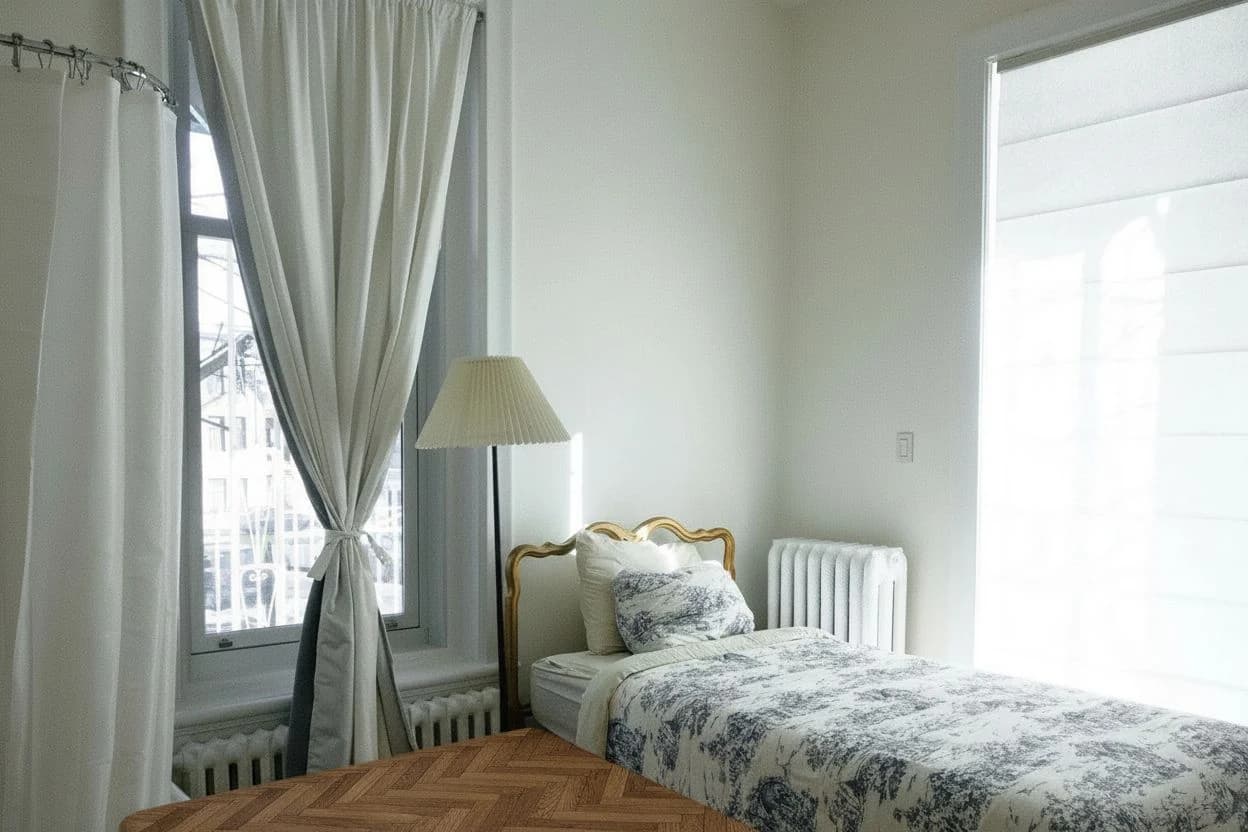
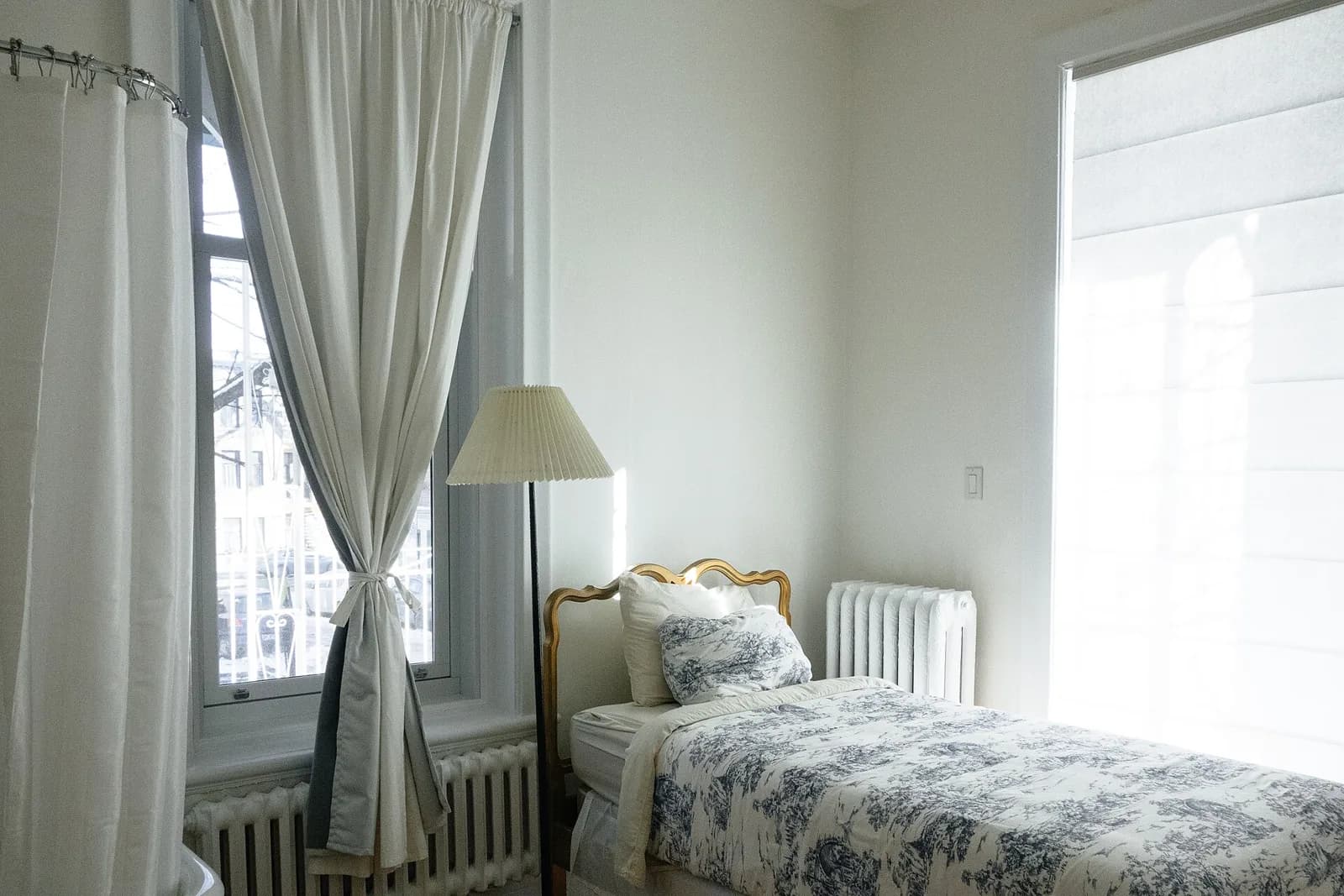
Bedroom · Herringbone oak floor
Flooring
How it works
Upload a photo of your room
A daylight photo taken from a corner, so most of the room is in view. No photo to hand? Start with one of ours.
Pick a floor
Pick one of 10 floors. Or describe your own, for example "wide white-oiled oak planks".
See it in about 20 seconds
Compare the result with your photo, download it, or run it again for another version. What the AI does along the way:
- Finding the floor
- Laying the new floor
- Matching light and shadows
Floors you can try
Light oak planks
Herringbone oak
Dark walnut
Grey laminate
White marble
Travertine
Terrazzo
Patterned cement tile
Polished concrete
Wool carpet
What you can do with it
Compare wood tones
See light oak, herringbone and dark walnut in the same room and how each one changes the light.
Pick tiles for a kitchen or bathroom
Try marble, patterned cement tiles or terrazzo where you need a floor that copes with water.
Check a bold choice
Wondering if a dark floor will make the room feel smaller? See it before you spend anything.
Questions
Will it show the exact plank size or tile layout?
Roughly. You can describe a size or pattern, such as "wide planks" or "large square tiles", but treat the result as a guide, not a laying plan.
Will the colour match the samples in the shop?
Not exactly. Light and screens change how materials look. Choose a direction here, then look at real samples in your room.
Does it work with rugs?
Yes. Rugs and furniture are kept as they are and the new floor is laid around them.