Walls & floors
AI wall paint visualizer
Pick one of 12 wall finishes, from soft white and sage green paint to botanical wallpaper, oak slat panels and zellige tiles, or describe your own, like "dusty pink limewash". The AI changes only the walls and keeps the furniture, floor, windows and doors as they are, matching the light in the room. It shows roughly how a colour or finish will feel; screens and photos shift colours, so test a real sample on the wall before you buy.
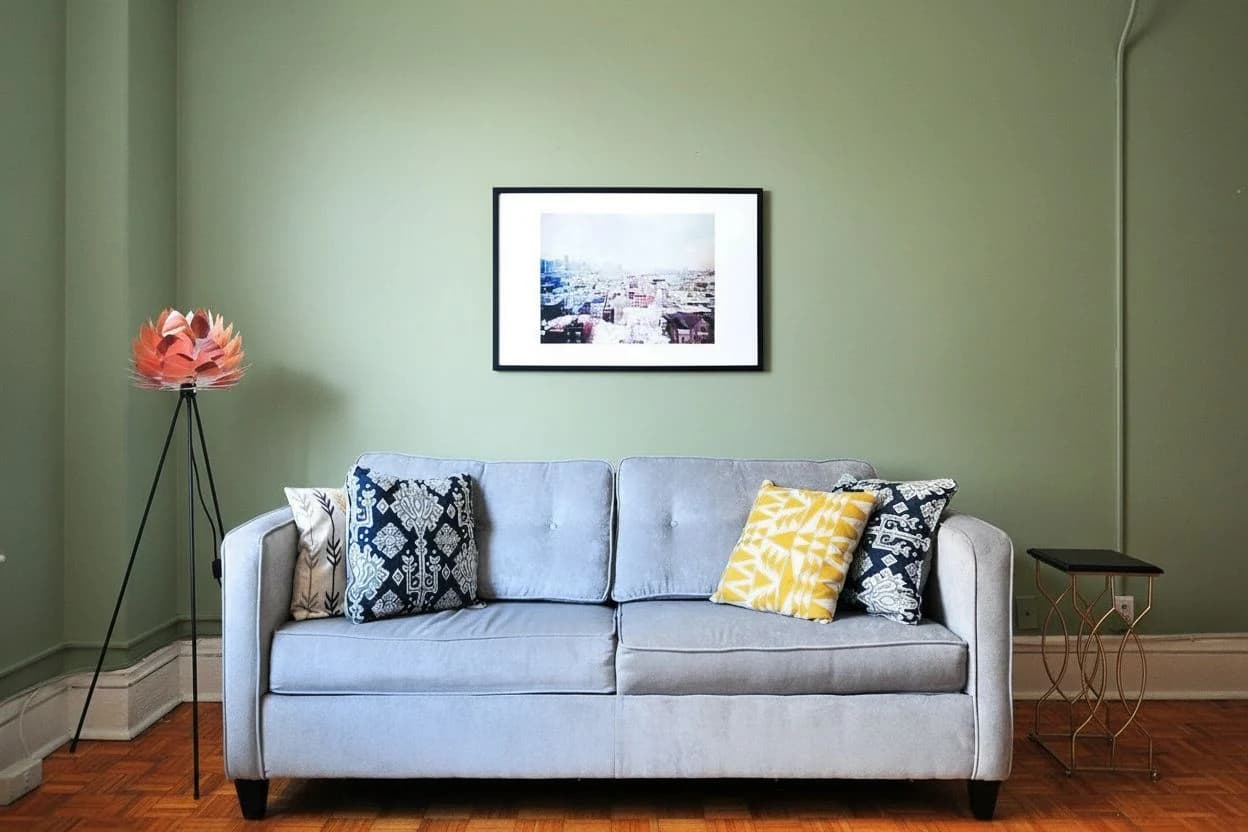
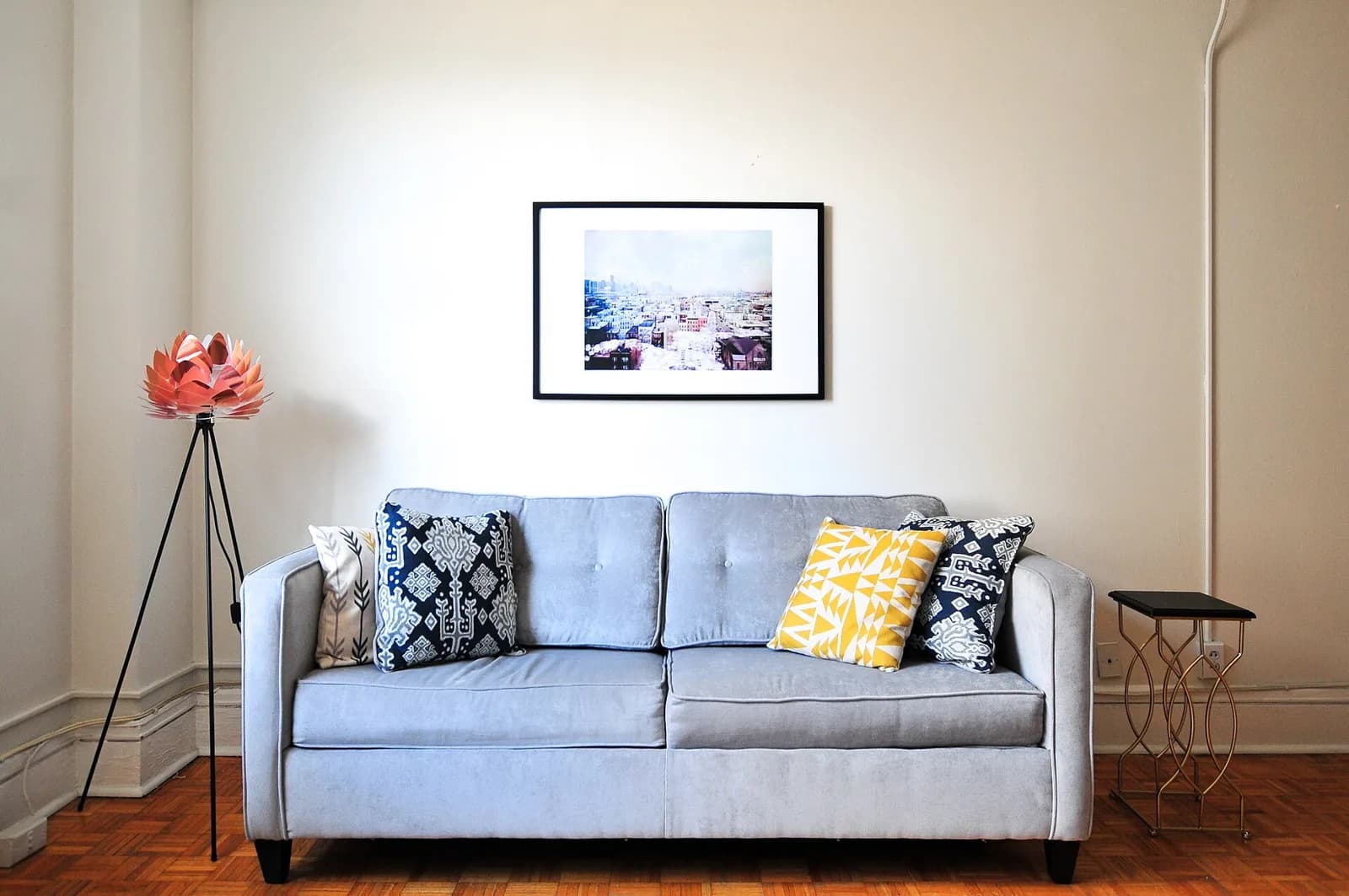
Living room · Sage green walls
Wall paint & finishes
How it works
Upload a photo of your room
A daylight photo taken from a corner, so most of the room is in view. No photo to hand? Start with one of ours.
Pick a wall finish
Pick one of 12 wall finishes. Or describe your own, for example "dusty pink limewash".
See it in about 20 seconds
Compare the result with your photo, download it, or run it again for another version. What the AI does along the way:
- Finding the walls
- Applying the new finish
- Matching light and shadows
Finishes you can try
Soft white paint
Warm greige paint
Sage green paint
Deep navy paint
Terracotta limewash
Botanical wallpaper
Geometric wallpaper
Oak slat panels
Exposed brick
Concrete
Zellige tiles
Fabric panels
What you can do with it
Narrow down paint colours
Try a few colours on your own room before buying sample pots, and only test the ones that make the cut.
Try wallpaper first
Wallpaper is hard to undo. See a pattern on your walls before you commit.
Compare paint, panelling and tile
See the same room with plain paint, wood slats or brick and decide which direction suits it.
Describe something you can't find in the list
Type it in your own words, such as "deep green gloss" or "warm white limewash with texture".
Questions
Will the colour match the paint I buy?
Not exactly. Light, screens and cameras all change how a colour looks. Use the result to choose a direction, then put a real sample on the wall and look at it morning and evening.
Can I change just one wall?
You can ask for it in the description, such as "deep navy on the wall behind the bed only", but the tool is made for changing the walls as a whole and may do more than you asked. Run it again if it does.
Does it change my furniture or floor?
No, it is set up to change only the wall surfaces. If something else changes in a result, run it again.