Design a space
AI interior redesign
Upload a photo of any room and see it in one of 24 styles, from Japandi to Mid-century. Choose Restyle to keep your furniture layout and change the look, or Furnish to fill an empty room. The walls, windows and doors stay where they are, so the picture shows your own room rather than a showroom. It is a preview to help you decide, not a plan a builder can work from.
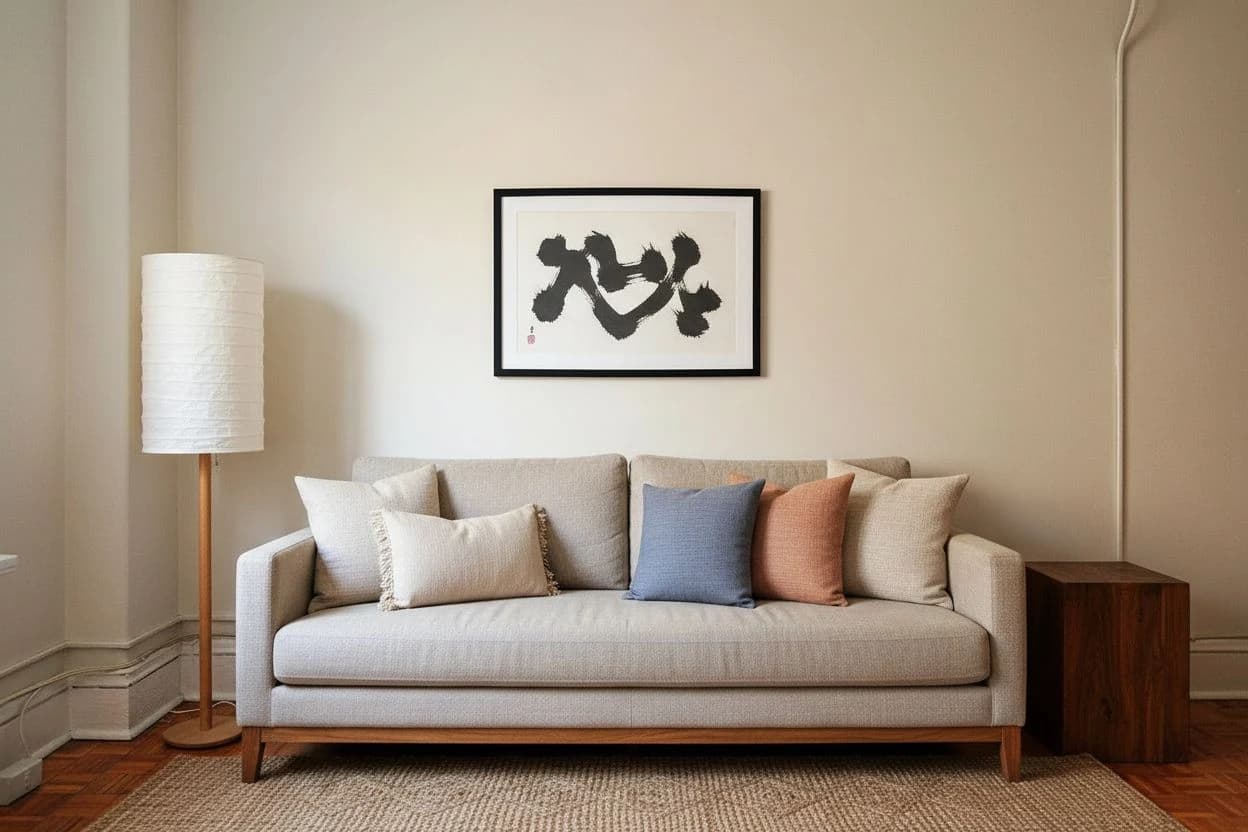
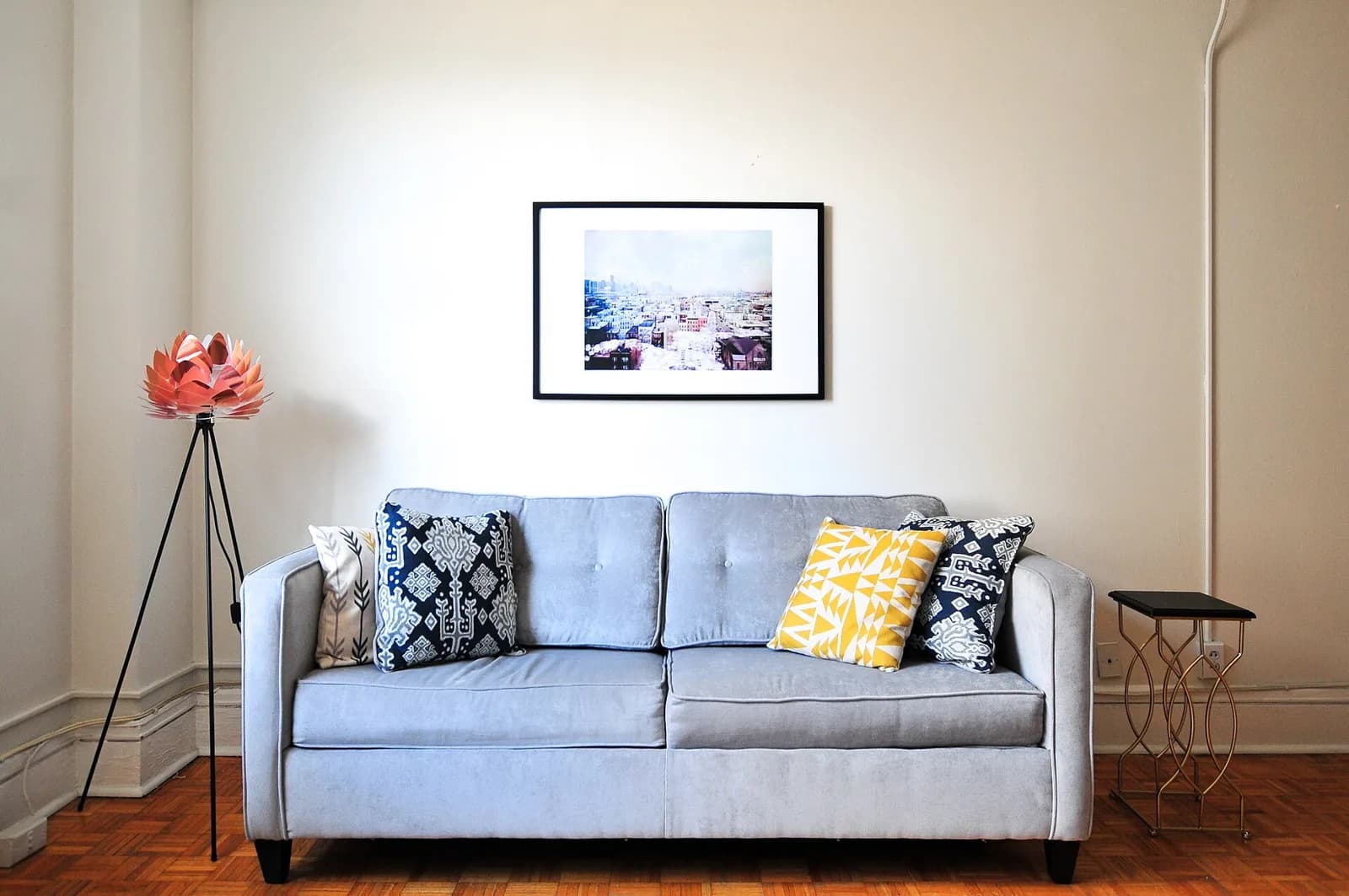
Living room · Japandi
Interior redesign
How it works
Upload a photo of your room
A daylight photo taken from a corner, so most of the room is in view. No photo to hand? Start with one of ours.
Choose a style
Tell it which room it is. Choose Restyle to keep your layout, or Furnish for an empty room. Pick one of 24 styles. If you like, add one of 6 colour palettes.
See it in about 20 seconds
Compare the result with your photo, download it, or run it again for another version. What the AI does along the way:
- Locking walls, windows and doors in place
- Choosing furniture
- Adding colour, light and finishes
A few of the 24 styles
See all styles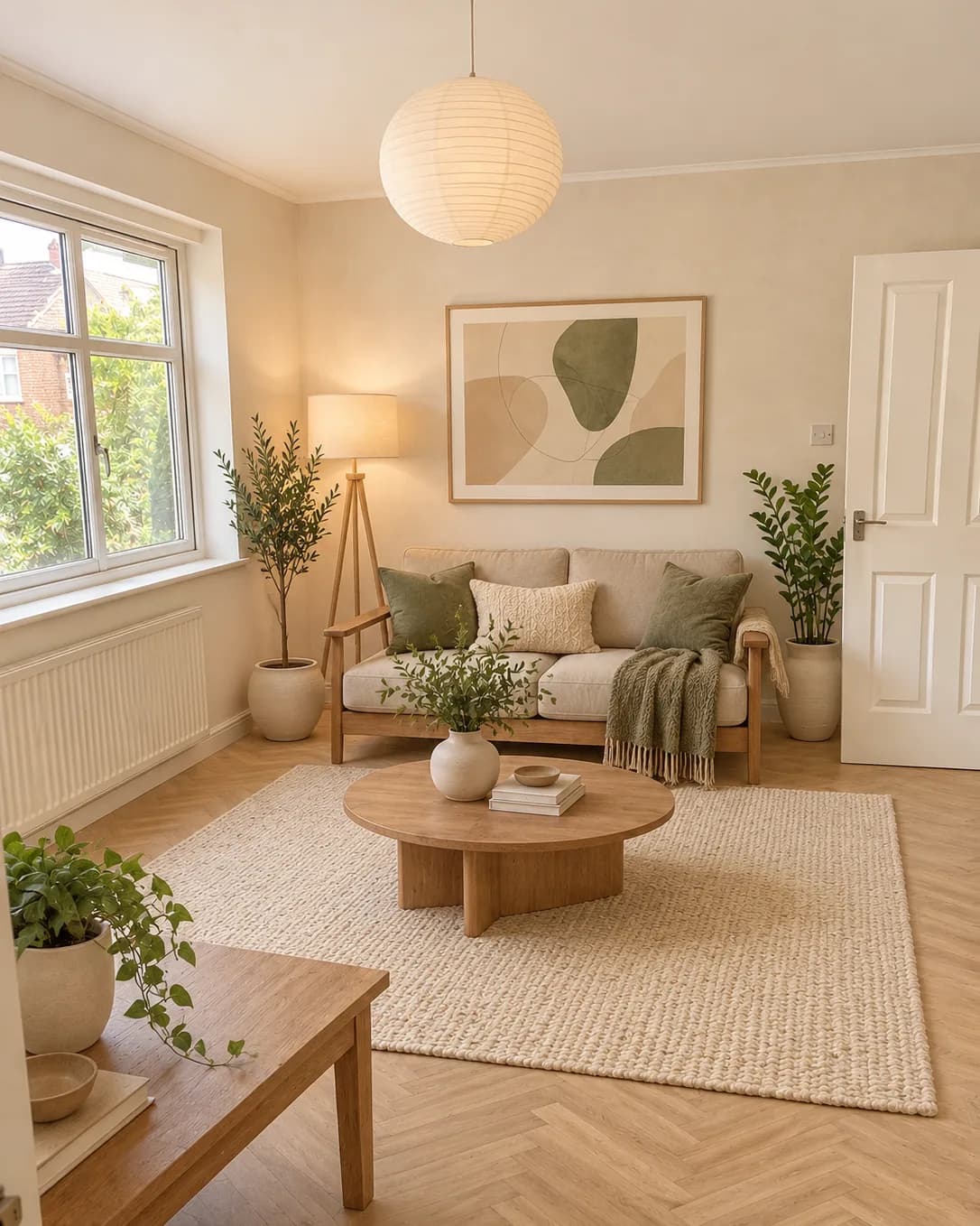
What you can do with it
Pick a style before you buy anything
Can't decide between Japandi and Scandinavian for the living room? Try both on the same photo and see which one you could actually live with.
Furnish an empty room
Just moved in, or the room is bare? Furnish mode fills it with furniture in the style you choose, so you can picture how it could feel.
Steer the colours
Add one of 6 colour palettes, such as warm neutrals or soft greens, to change the colours without changing the style.
Show people what you mean
Download the picture and show it to a partner, a landlord or a decorator instead of trying to describe it in words.
Questions
Will it keep my walls, windows and doors?
That is what it is set up to do: furniture, colours and finishes change, the structure of the room does not. AI is not perfect, so if a window or door moves in a result, run it again.
What is the difference between Restyle and Furnish?
Restyle is for a furnished room. It follows your existing layout and replaces the furniture, decor and colours. Furnish is for an empty or nearly empty room and adds furniture in the style you pick.
Can I buy the furniture in the picture?
Not directly. The furniture is drawn by the AI to suit the style, it is not taken from a shop's catalogue. Use the result as a guide to shapes, colours and materials, then look for similar pieces.